Digital Asset Management Software for Video
Manage every stage of your video lifecycle, from live broadcast and recorded uploads to AI-powered search, clipping, distribution, and long-term archive.
- Clip live broadcast moments as they happen
- Find the right footage faster with AI-powered search
- Create shareable clips from long-form video
- Host, embed, and distribute video from your DAM


Bring Video Into Your DAM
Keep live broadcasts and recorded videos in one Library.

Find the Right Moments
Use AI search, PeopleID, transcription, and metadata to find clips faster.

Clip and Reuse Content
Turn long videos and event footage into clips for social, press, campaigns, and archive.

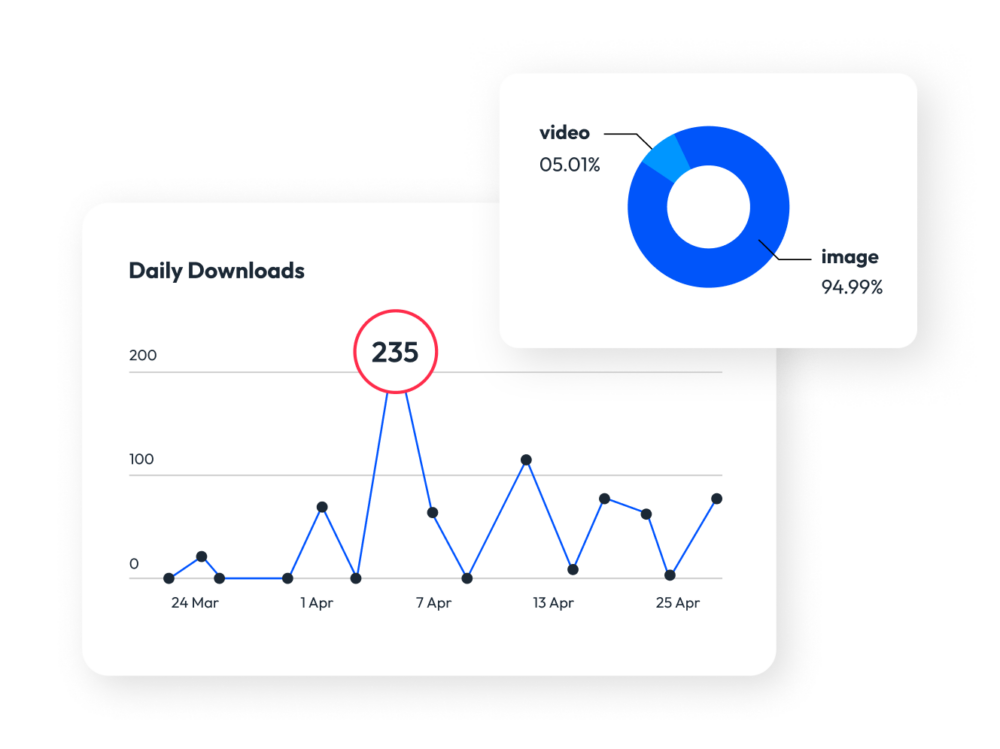
Share and Measure Video
Host, embed, distribute, and track video content from PhotoShelter.
Trusted by thousands of the fastest-growing brands









How Does Live Stream Video Workflow Work?
From live broadcast to long-term archive


The Ultimate Guide to DAM & Video
Find the best moments, create clips, add captions, and share videos faster from one searchable library.

See it in action

Get more video views with Socialie by PhotoShelter
Social media video content generates up to 1200% more shares than text & image combined.

Unlock the power of your network
Socialie shares your branded content to managers of non-brand channels, helping you reach audiences you otherwise couldn’t.

Grow your social reach by 10x
Quickly empower all the channels that influence your consumers, increasing your reach 10x on average.

Make it easy on your publishers
Increase adoption by sending content the way your publishers want it so they can get posts live faster.

Do more with less
Automate the parts of your workflow you like the least while tracking the metrics that matter the most.
Connect your DAM with the tools you use every day
Your tools are more powerful when they all work together
-
 Adobe Creative Cloud
-
 Adobe Express
-
 Adobe Lightroom
-

-

-
 Asana
Asana
-

-
 Box
Box
-
 Canva
Canva
-
 CI Hub
-
 Dropbox
-
 Drupal
-
 Figma
Figma
-
 FotoBridge
-

-
 Google Drive
-
 Google Workspace
-

-
 Hootsuite





-
Imagn

-
Magnifi

-
Marq

-
Microsoft 365

-
Microsoft PowerPoint

-
Microsoft SharePoint

-
Microsoft Teams

-
Photo Mechanic

-
Playing Surface/Press Box Graphics

-
Scoopa

-
Shutterstock

-
SIDEARM Sports

-
Sketch

-
Slack

-
Slate

-
Socialie

-
WordPress

-
Wrike

-
WSC Sports